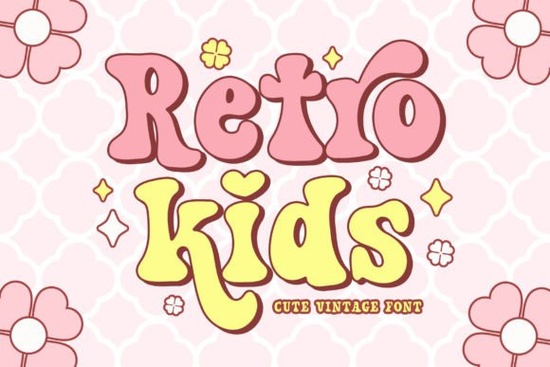
If you’re working on a project that needs a playful, nostalgic touch think back-to-school flyers, birthday invites, or kids’ crafts the Retro Kids font might be just what you’re looking for. It’s a retro serif typeface with groovy curves and vintage charm, but still soft and sweet enough to feel kid-friendly. What makes it especially handy is the built-in alternates for both uppercase and lowercase letters, giving you more flexibility without needing extra fonts or design tools.
What kinds of projects work best with this font?
This isn’t a font for corporate reports or minimalist branding. It shines when used in designs that want to feel fun, lighthearted, or throwback. Think:
- Back-to-school posters or teacher welcome signs
- Birthday party invites with a 70s or 80s twist
- Summer camp flyers or activity sheets
- T-shirt designs for kids or family events
- Stickers, sublimation prints, or vinyl decals
Because of its hand-drawn, slightly uneven serifs, it pairs well with bright colors, doodle-style graphics, or even photos with a warm filter. If you’re using it for print-on-demand products, test it at different sizes the details hold up surprisingly well, even on small items like keychains or labels.
How do I use the alternate characters?
Most design software (like Adobe Illustrator, Canva Pro, or Affinity Designer) lets you access OpenType features. In Illustrator, for example, open the Glyphs panel and look for stylistic alternates. You’ll see slightly different versions of certain letters maybe a loopier “g” or a taller “t.” Swapping these in can break up repetition and make your text feel more custom.
If you’re not sure how to access alternates, try pairing Retro Kids with something clean like Simple Stacked for contrast. Use Retro Kids for headlines or names, and Simple Stacked for body text or dates. The mix keeps things readable but still full of personality.
Does it pair well with other fonts?
Absolutely. Since it’s got strong retro vibes, avoid pairing it with anything too modern or geometric. Instead, try:
- Street Writing if you want an urban, chalkboard feel
- Cormorant Garamond for elegant contrast in invitations
- Rainbow Darling Duo when you need extra whimsy or color layering
You don’t need to overdo it. Sometimes one standout font like Retro Kids is enough just add icons, borders, or textures to fill out the design instead of crowding it with more typefaces.
Is it good for commercial use?
Yes. Like most Creative Fabrica fonts, Retro Kids comes with a commercial license when you download it through their platform. That means you can use it on products you sell whether it’s Etsy stickers, printed shirts, or classroom decor on Teachers Pay Teachers. Just make sure you’re not redistributing the font file itself or claiming you designed it.
If you’re designing for clients, you’re covered too. No need to buy extra licenses unless you’re embedding the font in an app or software (which is rare for most crafters and designers).
Any tips for making the most of this font?
Here are a few quick ideas:
- Don’t center everything. Try left-aligning your text and adding a retro badge or starburst behind it.
- Use color wisely. Mustard yellow, avocado green, or coral pink enhance the vintage mood.
- Add texture. A subtle paper grain or halftone overlay makes it feel even more authentic.
- Scale it big. This font has character let it breathe. Tiny sizes lose some of the charm.
If you’ve already downloaded Retro Kids, open it up and play with the alternates first. See which letters give your headline that extra bounce or quirk. And if you’re still browsing, compare it visually with Street Writing or Rainbow Darling Duo sometimes seeing them side by side helps you pick the right vibe for your project.
Next step: Open your favorite design tool, type out a sample phrase like “Welcome Back!” or “Summer Fun Starts Here,” and toggle through the alternates. See how just one swapped letter can change the whole feel. Then save that version as your go-to for seasonal projects.
Get Started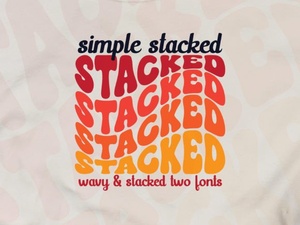 Stacked Font Ideas for Your Creative Projects
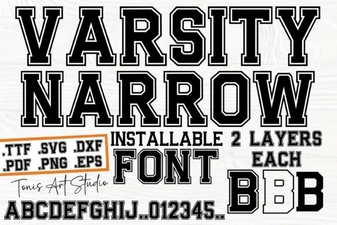 Varsity Narrow Font: Creative Design Uses
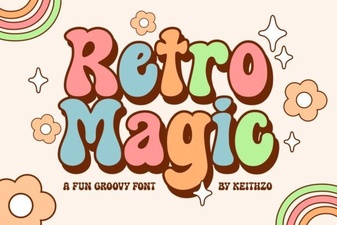 Retro Magic Fonts for Creative Designs and Digital Art
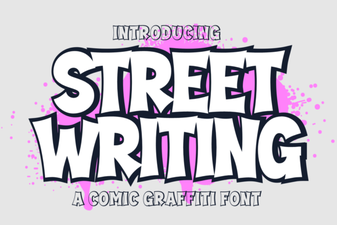 Street Writing Fonts for Urban & Creative Projects
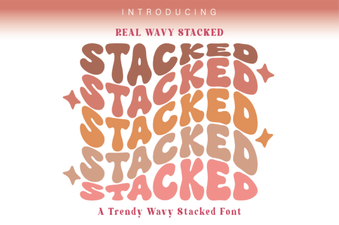 Design with Stacked Wavy Typography
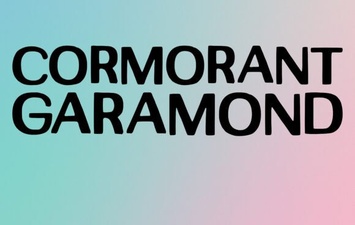 Mastering Elegance with Cormorant Garamond